
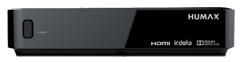
Tuning the HD Mini :
- Click on the "Menu" button on your remote control.
- Select Settings
- Scroll down to "Installation" and press "OK".
- Enter password "0000"
- Scroll down to "Search Channels".
- Make sure selected satellite is "Nilesat"
- Scroll down to "Transponder" and press "OK".
- Select "User Define" and press "OK".
- Add the frequency manually.
Comments
0 comments
Please sign in to leave a comment.